This project have pass automated review by obsidian . #1049
| Free | Catalyst |
|---|---|
Basic mode of MindMap |
Advanced features in Rich mode of MindMap |
Most features in Rich mode of MindMap |
PDF annotate |
| List mode | Support development |
| PC and Mobile support | PC and Mobile support |
| Not support | Export mindmap as pdf file |
| $0 | $16 (forever) Buy here |
You can try it for 30 days for free. After 30 days, you can purchase a code on the website
- How to use basic mode of MindMap
- How to use markdown mode of MindMap
- How to use rich mode of MindMap
- How to import and export mindmap as a pdf
- How to use presentation mode of markmind
- How to annotate pdf with pdf++ plugin
- Create basic mode of MindMap
- Display basic mode to outline
- Display basic mode to table
- Create rich mode of MindMap ----- youtube vedio
- Get markdown text from rich mode of MindMap
- Copy and paste node of MindMap
- Embed MindMap in other markdown file
- Common operations of MindMap
- Drag image from desktop to rich mode of MindMap
- Copy text from browser to MindMap
- Drag multiple nodes
Obsidian MarkMind is a mind map, outline, and PDF annotate tool based on Obsidian API
- Links
-
Inline
textstyles -
Multiline
text inline code- Katex -
$x = {-b \pm \sqrt{b^2-4ac} \over 2a}$
- GitHub: https://github.com/MarkMindCkm/obsidian-MarkMind
- Changelog: Here
- Web site: https://www.MarkMind.net
- Join our Discord: https://discord.gg/8653ZWX649
- Chinese Readme: 中文手册
- It contains two modes:
BasicandRich - You can create a MindMap file by either:
- Right clicking a folder and selecting
New MindMap Board - Add the YAML code by hand:
- Right clicking a folder and selecting
---

mindmap-plugin: basic (or rich)

---You can use the basic mind map function in conjunction with the outline or table mode. It works similar to the obsidian-enhancing-MindMap plugin. All of these modes are available in rich mode as well
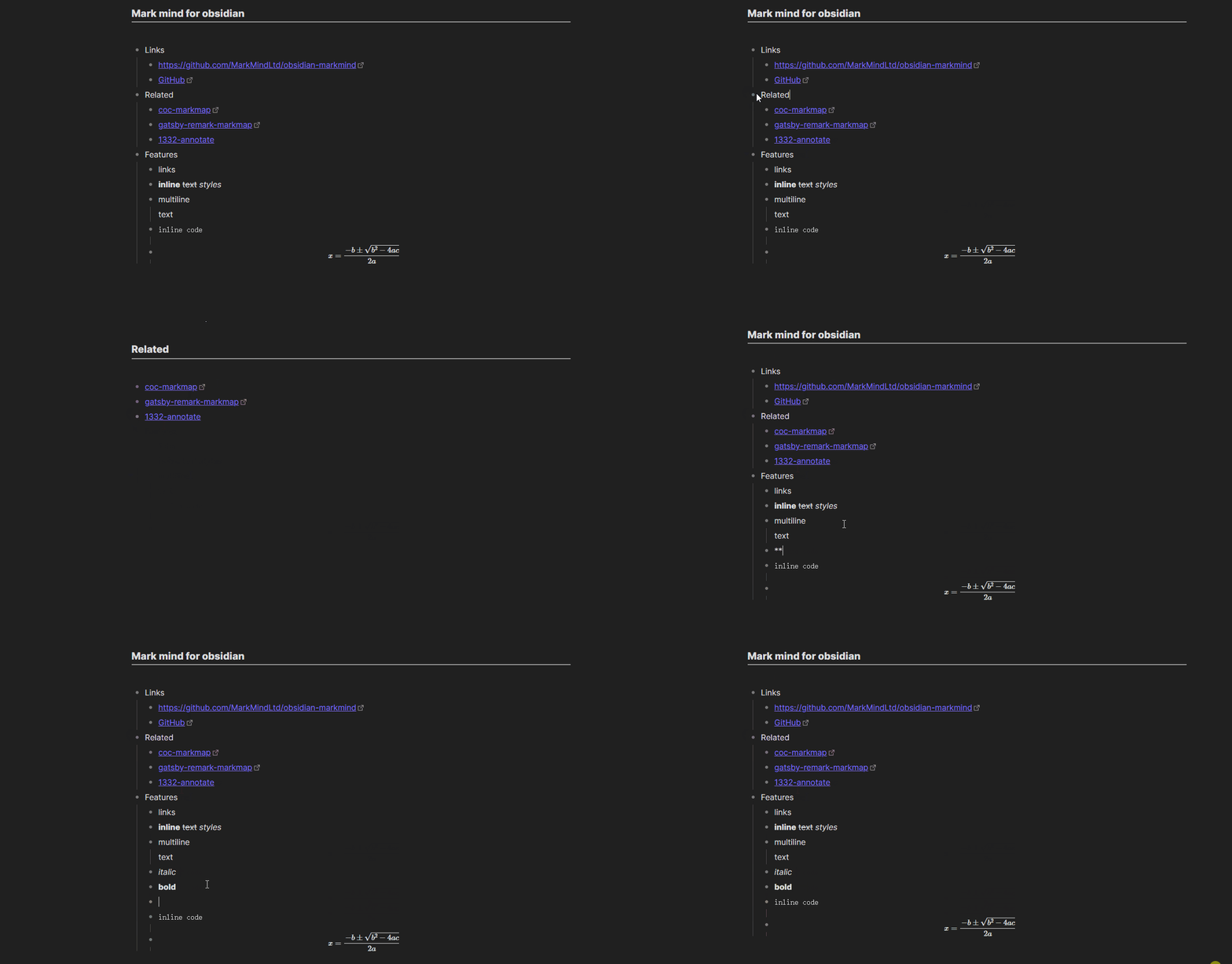
To access the Outline mode you can either:
- Click
More optionson the note and thenOpen outline - Add the YAML code by hand:
---

mindmap-plugin: basic
display-mode: outline

---| Feature | Short Cut |
|---|---|
| New Mind Map | CTRL/CMD + P |
| New Child Node | Enter |
| Indent | Tab |
| Unindent | Shift + Tab |
| Zoom in | CTRL/CMD + ] or Double click bullet point |
| Zoom out | CTRL/CMD + [ |
| Zoom in/out | CTRL + Mouse wheel |
| Mind map to center | CTRL/CMD + E |
| Move Up Or Down Node | CTRL/CMD + Up/Down |
| Delete node | Delete/Backspace |
| Edit node | Space/Double click node |
| Undo | CTRL/CMD + Z |
| Redo | CTRL/CMD + Y |
| Expand/Collapse node | CTRL/CMD + / |
| Move node to another node | Drag and drop node |
| Tab node | Up/Down/Left/Right |
| Change MindMap layout | Select node, CTRL/CMD + U/D/L/R/M/J/K/T/Q |
| Delete summary/boundary/related link | Delete/Backspace |
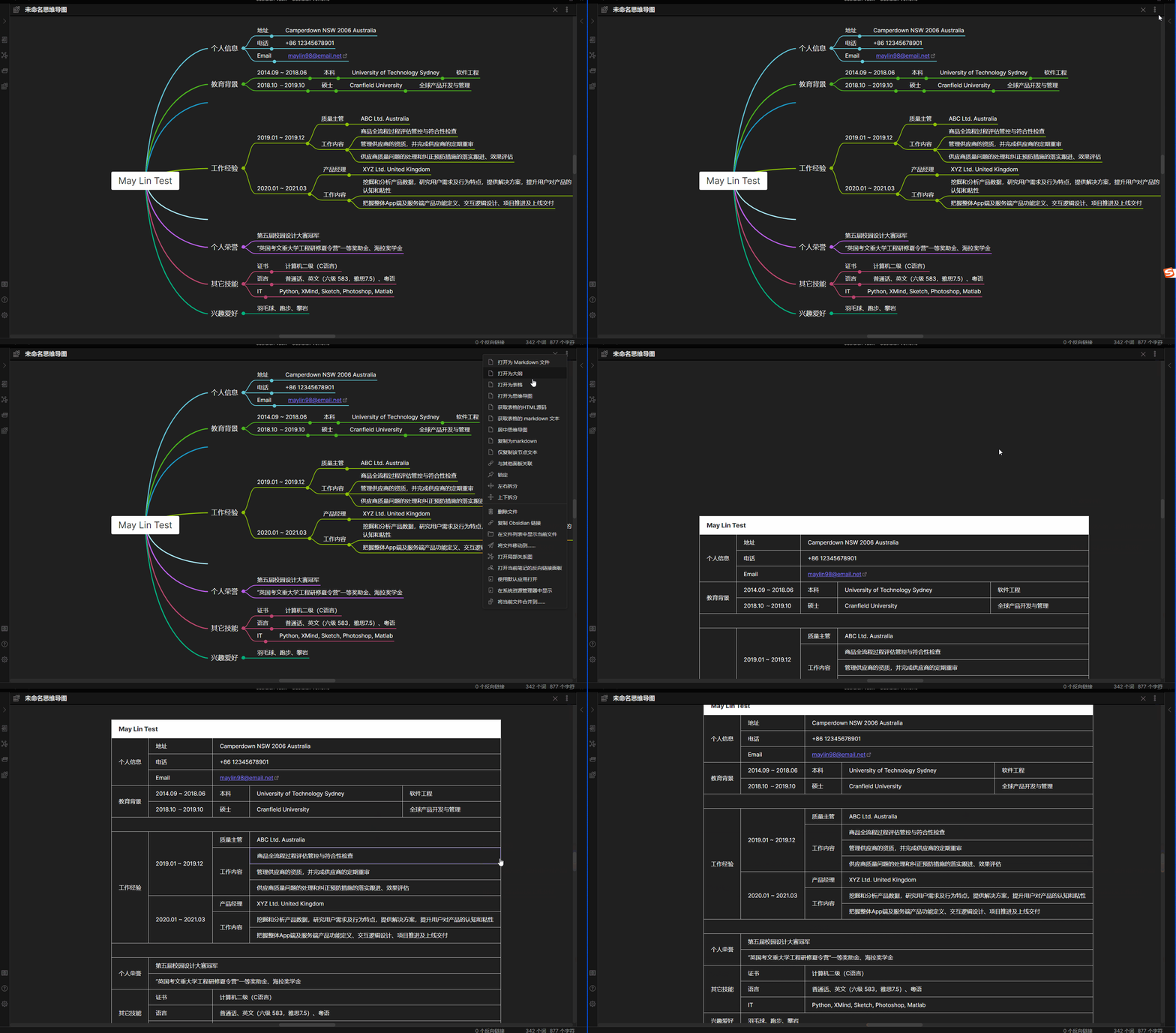
To access the Table mode you can either:
- Click
More optionson the note and thenOpen as table - Add the YAML code by hand:
---

mindmap-plugin: basic
display-mode: table

---
In Rich mode you can use all the functions of basic mode. In addition you can:
- Add a summary
- Add a boundary
- Add a node related link
- Add a free node
---

mindmap-plugin: rich

---

# md

{JSON Data}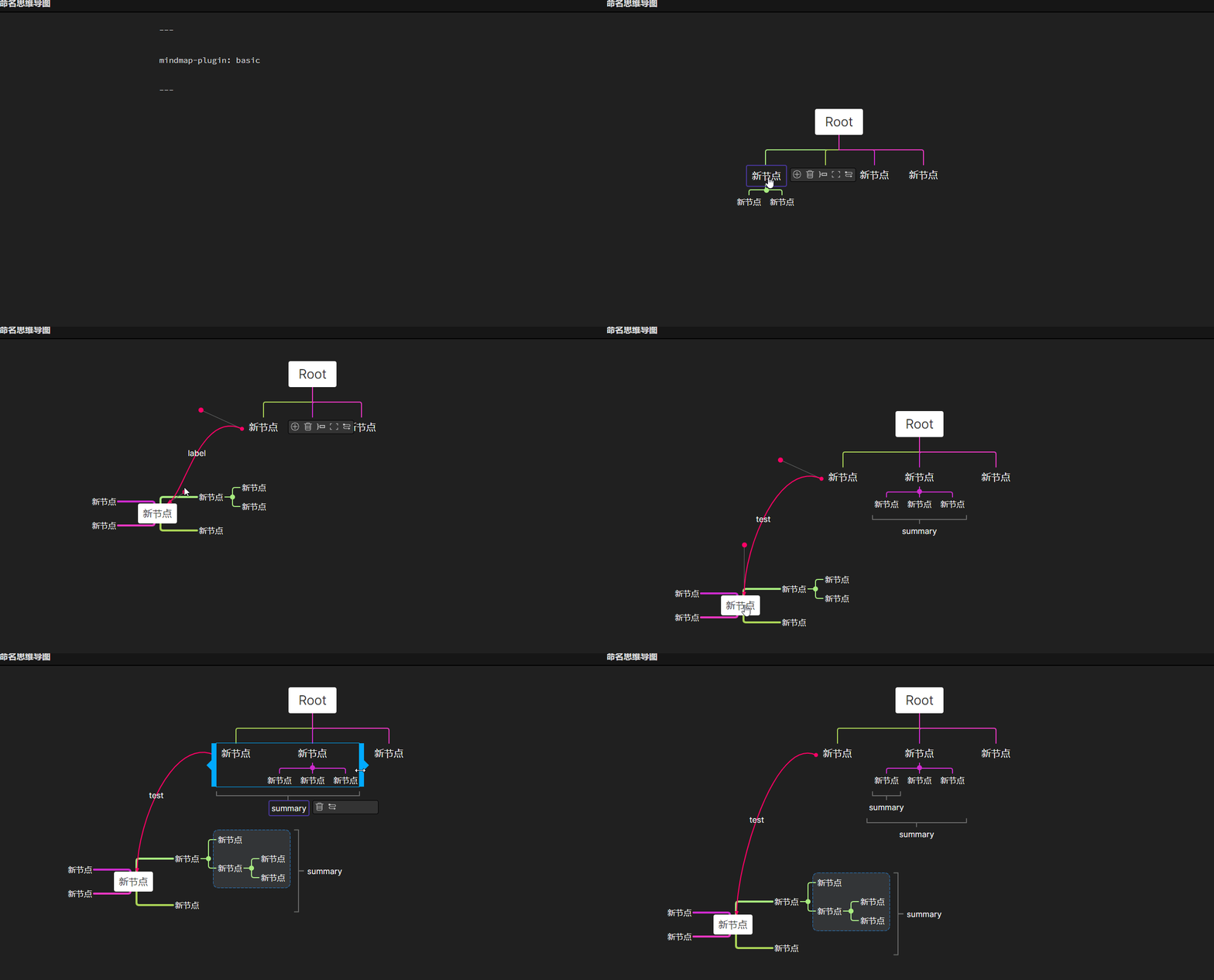
- Exporting MindMap to image
- Use
CTRL + Pand clickExport to HTMLcommand
- Use
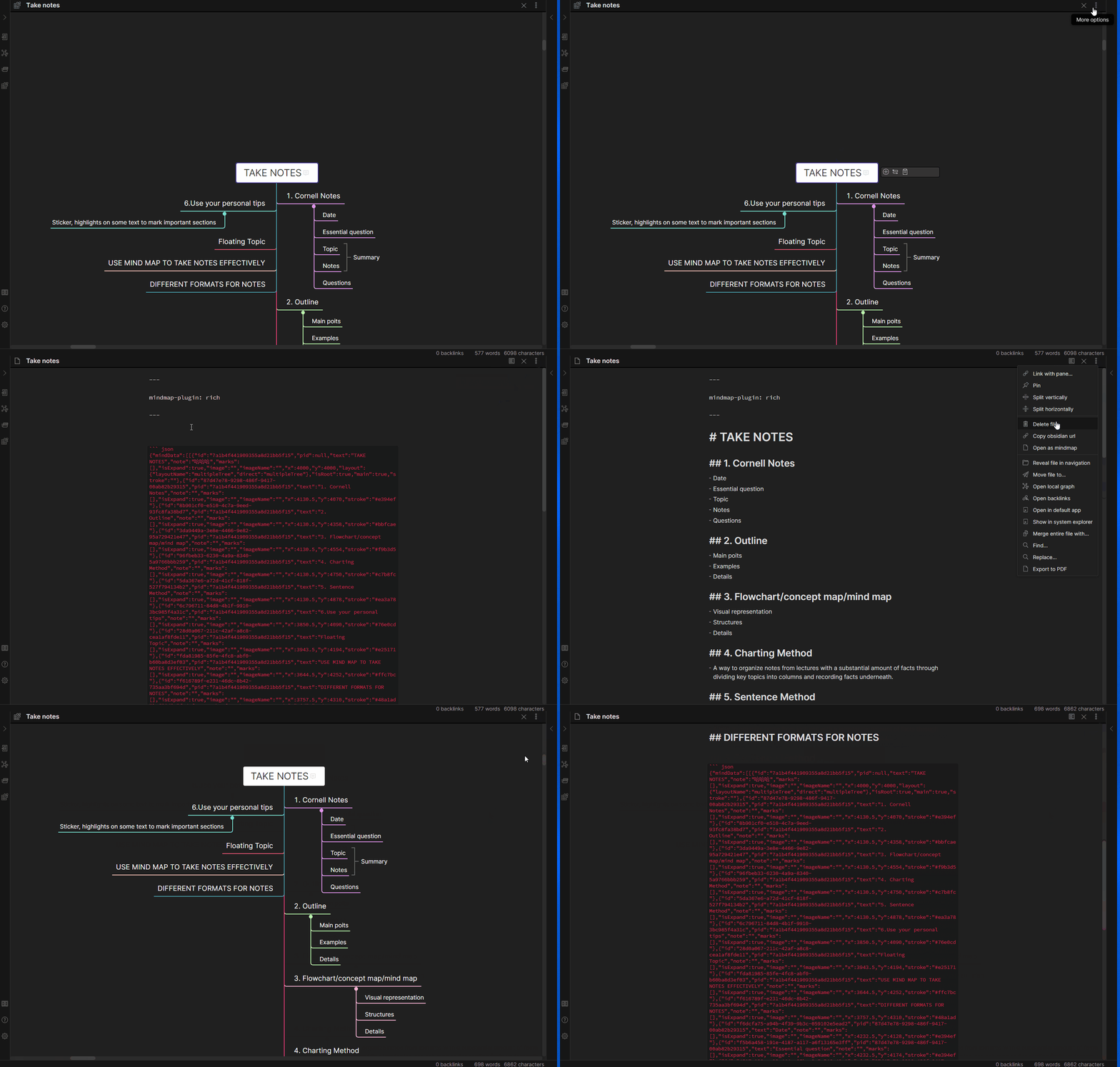
- Getting markdown in
richmode- You can find
Copy as markdownmenu inMore options
- You can find
- Exporting MindMap to pdf
- download lasted obsidian,open a mind map in a independ window
- Use
CTRL + Pand clickExport mindmap as a pdf filecommand
At present, pdf annotation only supports obsidian 1.4 version (issue). If you use obsidian 1.5 or later, please use markmind software(Download) version, which can be used with obsidian and is compatible with this plug-in.
- use PDF++ plugin
- highlight annotate
- rect annotate
- Relate MindMap node and annotate
- download PDF++ plugin
- if open annotate support in markmind setting tab , please close it

- open a pdf
- make a hihlight or rect annotate
- paste (ctrl v) in a node of mindmap