If you want to open your DJI Tello Drone controller app and get right to flying you found the right app.
- Turn on your Tello Drone
- Identify the WiFi name(SSID) of the Tello, e.g. "TELLO-7J1839"
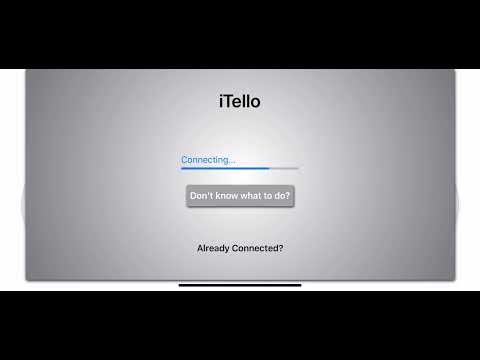
- Open the app
- Tap the WiFi icon and enter the WiFi name into the alert box
- Connect and Takeoff!
From then on all you need to do is turn on the drone and open the app to tap the WiFi button. Then you'll be connected and ready to fly!
- Connect to the Drone's Wifi from inside the app, all you need is the WiFi name!
- Takeoff and Land with the upper corner buttons
- Option Video Stream! Don't use extra battery and processing power if you don't want to
- Flip buttons let you identify which type of flip you are performing
- More to come!
Be careful, please do not fly over water, in windy conditions, or too close to your loved ones faces or you may lose your drone.
If you're interested please reach out to know how to help or make a PR!